The AI Efficiency for Accountants Newsletter V1 E2 by Marcie D Terman | Business Development Director 17 August, 2026
In the first issue of AI Efficiency for Accountants, I used Making Tax Digital as a practical example of how AI and automation could remove a great deal of repetitive work from an accountancy practice.
MTD gives us a contained problem to solve. Information has to be collected, checked, chased, organised and submitted within a defined time frame and process. That makes it an excellent pilot project for improving the way information moves through an accountancy practice.
But MTD is only the proving ground. The same principles can be applied much more widely: onboarding, document intake, client communication, bookkeeping workflows, tax preparation, internal knowledge transfer, management reporting and many of the other processes that absorb staff time every day.
Secure automation can make an accountancy practice more efficient, more profitable and easier for clients to deal with. But those benefits depend on how the AI is designed, connected and controlled.
As AI becomes more deeply integrated into the business, the potential risks increase alongside the benefits. Once an AI agent can read documents, search records, access email, communicate with clients or trigger actions, it becomes part of the operating infrastructure of the practice.
In much the same way that you think carefully about which employees can see sensitive client information, what authority they have and when they need supervision, similar decisions need to be made about AI.
The objective is not to avoid automation. It is to design it so that controls, permissions and human intervention are built in from the start.
Where does your client data actually go?
This is probably the first question every accountancy practice should ask.
If client financial information is uploaded into or processed by an AI system, what happens to it afterwards? Where is it processed? How long is it retained? Who can access it? Is it excluded from training the models being used to process it?
The answer depends on the service, product and configuration being used.
That is why saying “we use AI” tells you remarkably little about the security of the system.
There is a considerable difference between an employee copying client information into a public-facing chatbot and a properly designed business system operating inside a controlled environment.
Is the only option one where the AI provider has access to my client data?
No.
Many businesses understandably assume that using AI necessarily means handing their information over to somebody else’s model. It does not have to work that way.
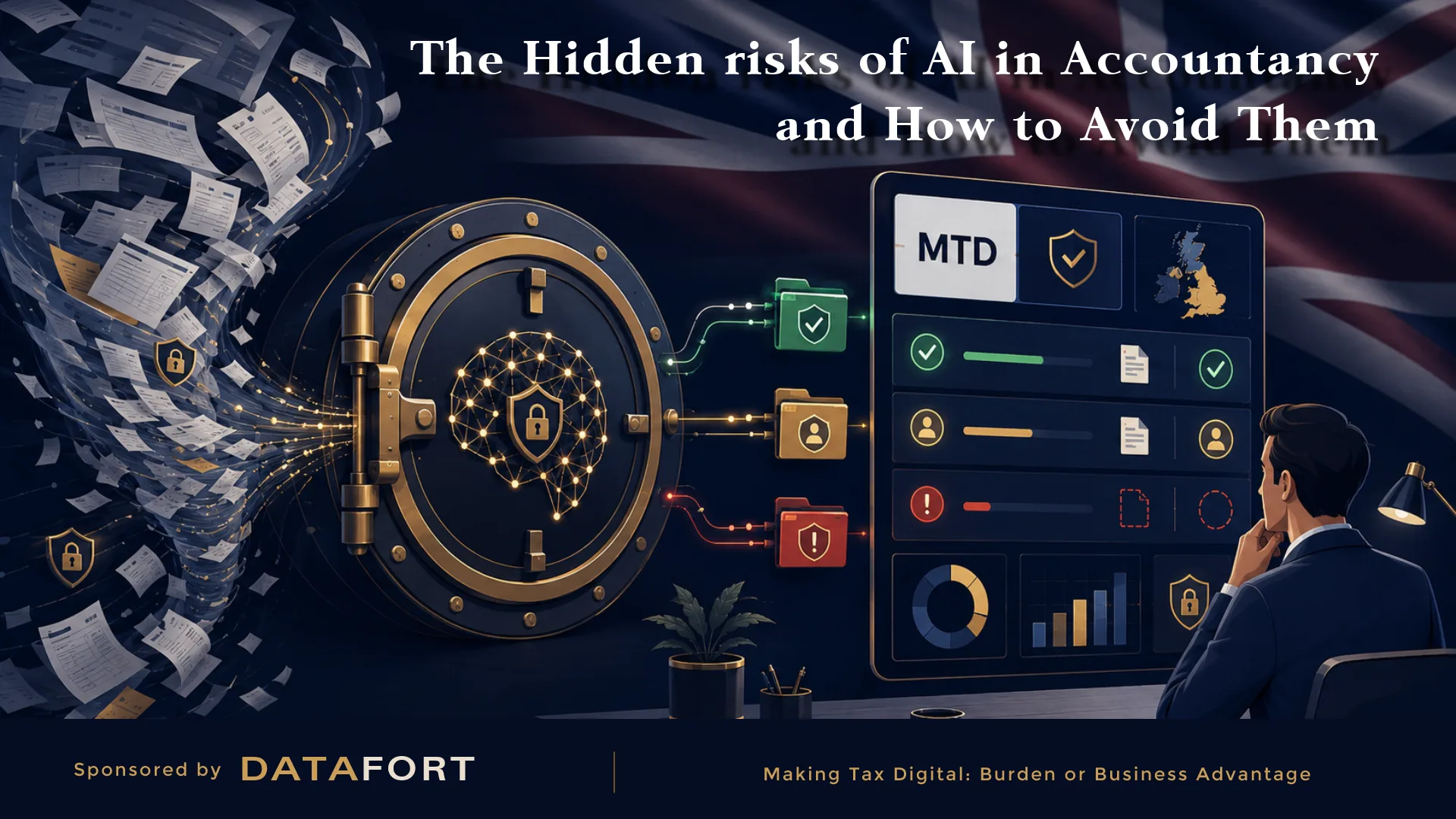
A more controlled architecture can keep client information within a protected environment and allow the AI access only to the information it needs for a specific task.
At DATAFORT, where sensitive client information is involved, we use a walled-garden approach. Client data remains inside a controlled environment, while permissions determine what the AI can see, what it can do and when human approval is required.
The principle is straightforward:
Do not give an AI unrestricted access to the business simply because it is technically possible. Give it only the access it needs to perform the job.
The architecture matters just as much as the model.
GDPR still applies
AI does not create an exemption from existing data-protection responsibilities.
If personal information is being processed, the practice still needs to understand why it is being processed, where it is going, who is processing it and what safeguards are in place.
So the useful question is not simply:
“Is this AI GDPR compliant?”
It is:
“Is the way we are using this AI compatible with our own GDPR responsibilities?”
Those are not the same thing.
A technology supplier may provide strong technical and contractual protections while the practice itself still uses the system badly. An employee can expose information unnecessarily simply by giving an AI tool more client data than it needs.
Security therefore has to exist in the workflow as well as in the software.
What should the AI be allowed to see?
This becomes particularly important when AI agents are connected to other systems.
An agent might have access to email, document stores, calendars, practice-management software, client records or accounting systems. That can be enormously useful, but it can also expand the security perimeter of the practice.
The safest approach is the familiar information-security principle of least privilege.
If an AI only needs access to one client folder, it should not be able to search every client file in the practice. If it needs to draft an email, it may not need authority to send it. If it needs to identify missing documents, it does not necessarily need access to unrelated financial records.
Permissions should be designed around the task rather than around convenience.
Can an email or document manipulate the AI?
Potentially, yes.
AI systems do not receive information only from the person operating them. They may also encounter instructions embedded in emails, documents, web pages and other material they are asked to analyse.
An apparently ordinary document could contain text designed to influence the behaviour of an AI system. This is generally referred to as prompt injection.
For an accountancy practice, the terminology is less important than the principle: information arriving from outside the business should not automatically be trusted simply because an AI can read it.
External information should be treated as untrusted input, particularly where the AI also has permission to take actions.
What should an AI be allowed to do without asking?
Automation needs boundaries.
There is a significant difference between allowing a system to recommend an action and allowing it to carry out that action automatically.
Drafting a routine reminder to a client may be relatively low risk. Sending it automatically gives the system more authority. Changing records, making submissions, moving money or taking consequential decisions on behalf of the practice require progressively stronger controls.
This does not mean everything should require human approval. If it did, much of the benefit of automation would disappear.
The practice needs to decide in advance which actions are sufficiently routine to automate, which require approval and which should always be handled by a person.
A well-designed system knows when it can continue and when it needs to stop and ask for help.
The practice sets the rules. AI operates within them.
What happens when the system encounters something it does not understand?
This is a critical part of safe automation.
A well-designed system should not try to improvise its way through ambiguity. If a document is unclear, two records conflict, information is missing or a situation falls outside the rules defined by the practice, the system should recognise that boundary and flag the case for human intervention.
It should also explain why the case has been escalated and present the relevant information alongside it. The member of staff taking over should not have to reconstruct the entire history before they can understand the problem.
That is where intelligent automation becomes genuinely useful.
Human expertise is brought into the process when it adds value, rather than being required to supervise every routine transaction.
The objective is not to build an AI that pretends it can handle every possible situation. It is to build one that can reliably distinguish between:
“I can deal with this.”
and
“A person needs to look at this.”
Can you reconstruct what the AI did afterwards?
If AI becomes part of an operational workflow, the practice should have a clear record of what happened.
What information was received? How did the system categorise it? What communication was sent? What action was taken? When was the case escalated? Who took over? What was ultimately approved?
This is where logs, audit trails and process histories become important.
If something goes wrong, management should be able to reconstruct the process and understand what the system did and why.
This is also valuable when nothing has gone wrong. A good automation platform gives management greater visibility into how work is moving through the practice instead of burying activity inside a black box.
None of this is an argument against AI
Quite the opposite.
AI is becoming useful enough to change the economics of professional services. That is precisely why it deserves more thought than giving staff access to a chatbot and hoping everyone uses it sensibly.
A well-designed system can reduce repetitive work, improve the quality and speed of client communication, give management much better visibility and allow qualified staff to concentrate on work that genuinely requires their judgement.
But secure automation needs to be designed rather than improvised.
MTD gives accountancy practices a particularly useful place to start because the workflow is clear, the workload is measurable and the benefits of improving information flow can be seen quickly.
If that pilot proves itself, the same approach can be applied elsewhere across the practice.
And although this newsletter is focused on accountancy, the underlying principle is much broader. Any sufficiently large business is likely to have information moving repeatedly between customers, staff and systems, with expensive people spending too much time managing routine processes.
AI can improve that.
The real question is whether businesses introduce it in a way that improves efficiency without giving up control of their information, their processes or their responsibilities.
In the next issue of AI Efficiency for Accountants, I am going to take a much closer look at one of the questions that concerns businesses most: When you give an AI client information, who can actually see it, where does it go and does it become part of the model?
Want to read the full guide on MTD Accounting Efficiency, you can download the guide here.